AI & Automation
Business Tools
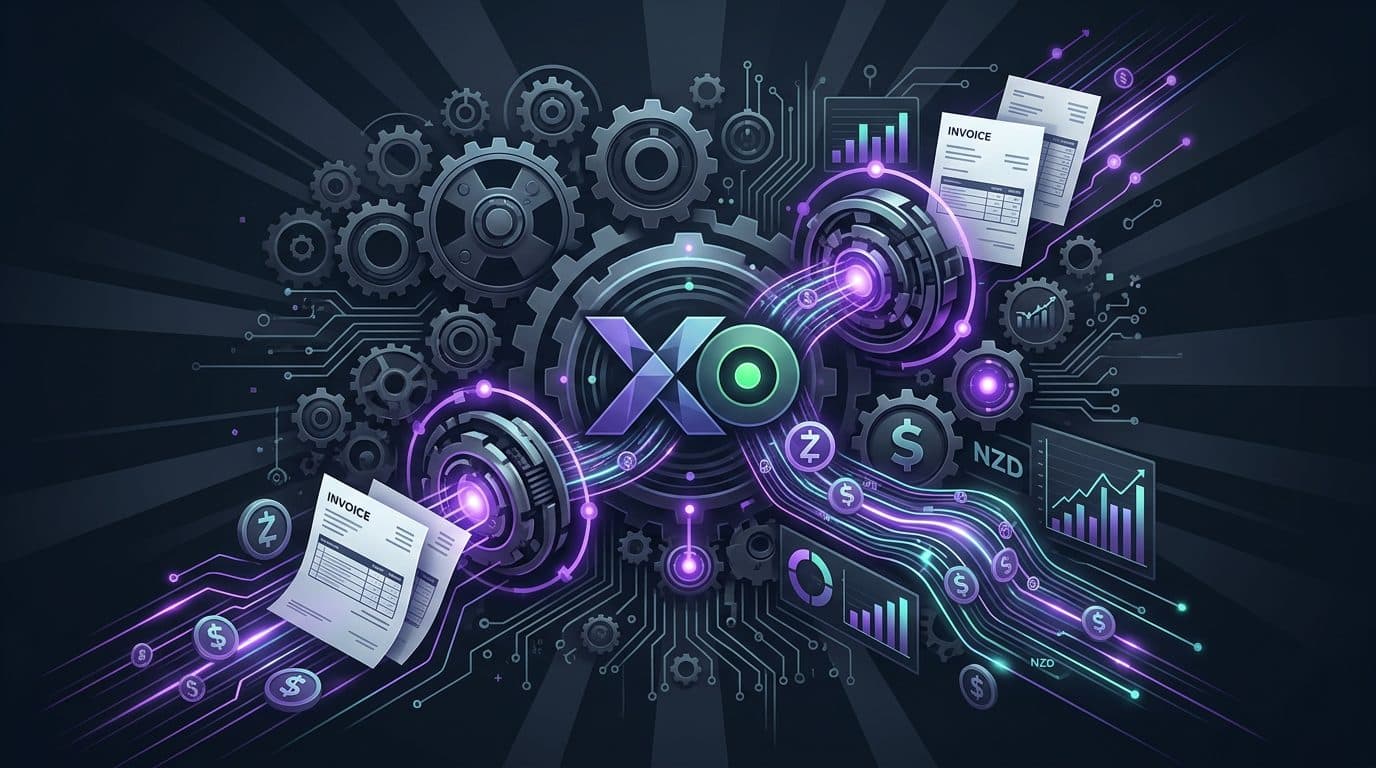
Xero Automation: What to Configure Before You Build Anything Custom
Check bank feeds, reconciliation, reminders, bill capture, reporting and integrations before paying to recreate features Xero may already provide.
Put your workflow questions into a broader roadmap that reflects your business goals and the resources available. Explore Tech Clarity.
Key takeaways
- Before building a custom finance workflow, check what your current Xero plan already automates.
- Current Xero NZ features include bank feeds and reconciliation tools, invoice reminders, bill capture, reporting and app integrations; availability can depend on plan.
- Automate one repeated finance job at a time and keep a review step where errors would matter.
- Use custom software only for gaps that remain after Xero settings, rules and integrations have been used properly.
Before paying someone to build a finance automation, check whether Xero already does the job. There is no good evidence for the old claim that “most NZ businesses use only 20% of Xero”. The useful exercise is to inspect the features available on your plan and compare them with the admin your team still does by hand.
1. Bank feeds and reconciliation #
Xero can import bank transactions and provides matching, rules and reconciliation tools. Its current NZ product also offers JAX automatic reconciliation on eligible plans, with review and adjustment controls. Check Xero's current reconciliation features.
2. Invoice reminders #
If staff are manually sending the same overdue reminders, configure the reminders already available in Xero before building another system. Xero documents its invoice reminder options here.
3. Bill capture and approvals #
Xero documents bill capture, duplicate checks, roles and approval-related controls. Use those first where they fit the process. See the current bill features.
4. eInvoicing #
For participating suppliers and customers, eInvoicing can move invoice information directly between accounting systems and reduce re-keying.
5. Reporting #
Before exporting numbers into a custom dashboard, check whether a Xero report already answers the decision you are trying to make.
6. Connected apps #
Xero has a large integration ecosystem. A supported connector can be safer and cheaper than custom code if it handles the important workflow.
When custom work earns its place #
Build around Xero when the remaining problem crosses systems or depends on business rules Xero does not own: a job completed elsewhere needs to trigger invoicing; finance information must be combined with operational data; or a controlled approval process spans several tools.
The decision rule #
Configure first, connect second, build third. That order is less glamorous than declaring everything an AI transformation. It is also usually kinder to the budget.
A useful companion: Automation ROI Calculator.
Quick Questions
Do most NZ businesses use only 20% of Xero?
There is no reliable basis for that blanket claim, so this guide does not use it. The better question is which features your business already pays for but has not configured.
What can Xero automate?
Depending on plan and configuration, Xero NZ currently documents bank feeds and reconciliation automation, invoice reminders, bill capture, reporting, eInvoicing and integrations.
When should I build something around Xero?
When a valuable workflow still requires repeated manual work after the relevant Xero features and available integrations have been considered.
Other articles worth reading

AI & Automation
What Is Business Process Automation? A Plain-English Guide for NZ Businesses
Business process automation sounds complicated. It isn't. Here's what it actually means - and whether it's worth pursuing for your NZ business.

AI & Automation
AI Strategy Is Not the Same as Business Automation
AI strategy decides where AI should fit. Business automation improves how work moves through the business. They can overlap, but they are not the same decision.
AI & Automation
AI Strategy Session vs AI Implementation Project: Which Do You Need First?
An AI strategy session decides what should happen and why. An implementation project builds it. NZ small businesses usually need strategy first when the risk, data, process, or value is still unclear.