Productivity Apps
Review: CARROT To‑Do List
CARROT To‑Do List turns your tasks into a game with personality. It's perfect for light task tracking and motivation, but lacks depth for heavy project work.
By Rupert GoughPublished
Key takeaways
- CARROT is a gamified to-do list with personality - it rewards you for completing tasks and scolds you when they pile up
- Great for simple daily tasks and people who need extra motivation through fun and humour
- Limited organisational features: no subtasks, project hierarchies, or strong multi-device support
- Some features (reminders, recurring tasks) are locked until you 'level up' by completing tasks
- Best suited for light everyday tasks; complex projects may need a more traditional task manager alongside it
CARROT is a task list app for iOS devices that blends simple to-do list functionality with gamification and personality. If you're already sold on the benefits of using a to-do list, CARROT takes it a step further. It's not trying to be a full-blown project management tool. Instead, it aims to make task completion fun by turning chores and mundane tasks into something you feel motivated to check off.
What CARROT Does Well #
Motivation via Personality #
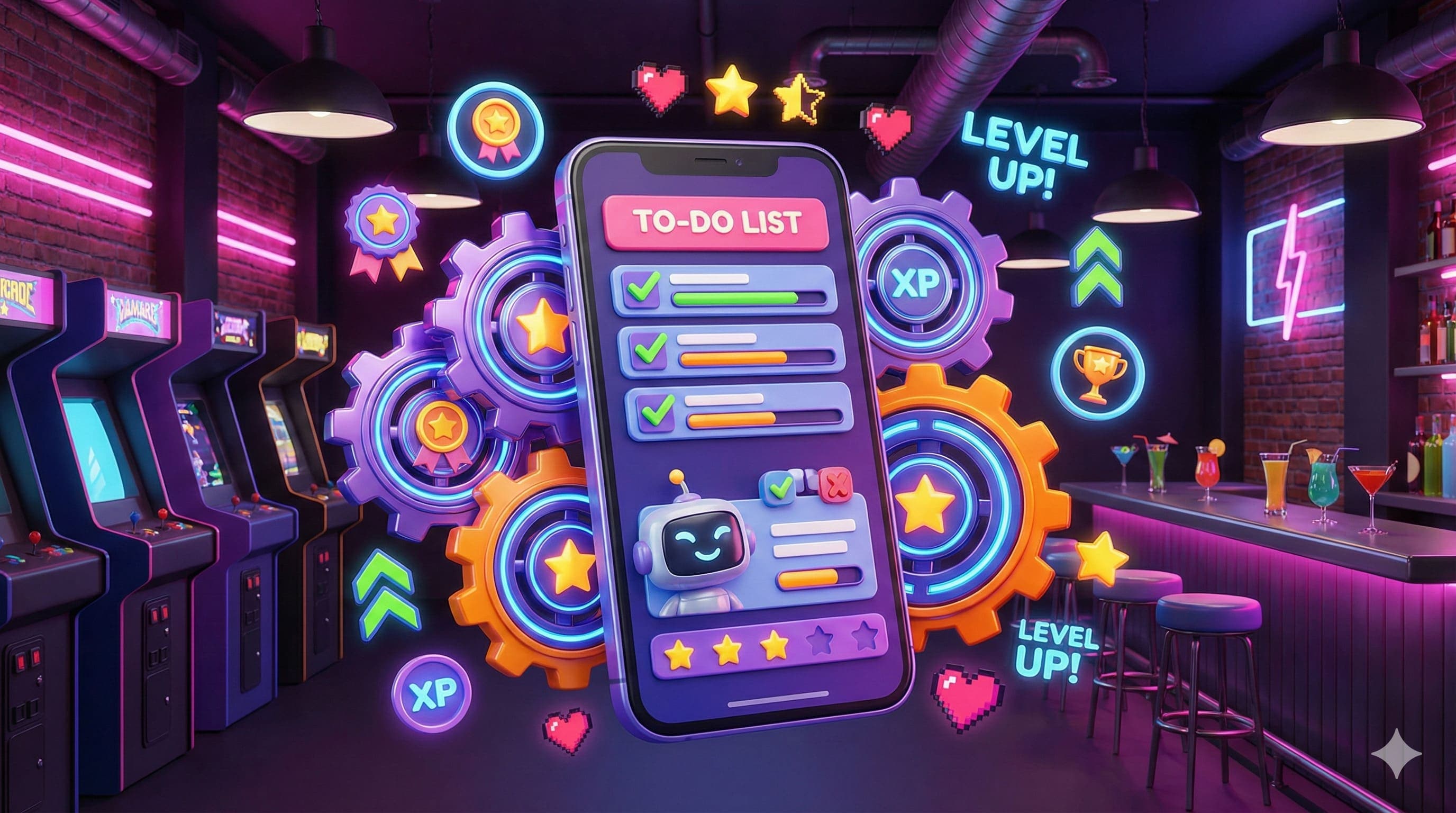
CARROT has attitude. It rewards you for completing tasks and playfully scolds you when you let tasks sit. This pep talk / mock annoyance can encourage consistency in a way that more earnest tools sometimes don't.
Rewards & Levels #
As you complete tasks, you earn points and level up. Upgrades and rewards are unlocked over time: visual themes, customisation, mini-games, stuff that adds fun to regular task work.
Minimal Friction #
Adding a task is quick (pull down and type), completing or removing is simple. Because the core list is so basic, there is less friction between thinking of something and getting it into the list.
Fun UX / Visual Design #
The interface is clean, with entertainment built in: mood changes, visual reactions, occasional humour. It gives a positive emotional response when you use it, which helps maintain usage.
Unlockables & Customisation #
As you stick with the app, more functionality appears (e.g. rearranging tasks) and visual customisations become available. These unlocks help give a sense of progress beyond just finishing tasks.
Where It Falls Short #
Limited Organisational Features #
There are no strong tag systems, project hierarchies, or subtask features. If you have many large or complex tasks that need grouping, dependencies, or cross-project tracking, CARROT may feel too shallow.
Weak Support for Multiple Platforms / Devices #
Although it runs on iPhone, features such as iPad compatibility, Apple Watch support or strong off-device entry are either missing or limited. If you switch devices often, you may bump up against its limits.
Delayed Advanced Features #
Some functionality (like reminders, recurring tasks, rearranging tasks) is locked behind "levels" or usage thresholds. That means early on, the app feels very basic, and you must earn more capability rather than having all you need upfront.
Humour / Personality Not for Everyone #
CARROT's style is polarising. Some users love the snark and reminders, others may find it annoying, demotivating, or distracting - especially if their task list is already overwhelming or if they prefer a calm, neutral workspace.
Update Frequency and Feature Gaps #
The app is not updated super frequently; certain requests (better cross-device syncing, richer reminders, more flexibility for due dates etc.) are often raised by users but are not always addressed quickly.
Who Will Like CARROT #
- Someone wanting a lightweight task list with fun and motivation.
- A user who struggles with doing tasks until there's a playful push or reward.
- People whose to-do needs are mostly simple day-to-day tasks rather than complex planning.
- Users who don't need heavy collaboration, subtasks, or deep integration - just something you'll use daily without overwhelming setup.
Who Might Outgrow It #
- If you have lots of projects or long-term goals that require subtasks, project groupings, or multi-device support.
- Users who need reminders or scheduling from the beginning, not as things to unlock later.
- Anyone who prefers productivity tools that are calm, minimal, or without inventive personality or gamified nagging.
- People who often work across devices (tablet, desktop, watch) and want seamless sync.
Verdict #
CARROT To-Do is delightful for people who want more than just a to-do list - they want something that feels alive. It's especially good for those who struggle with motivation, for light everyday tasks, and for when you want a productivity boost wrapped in novelty.
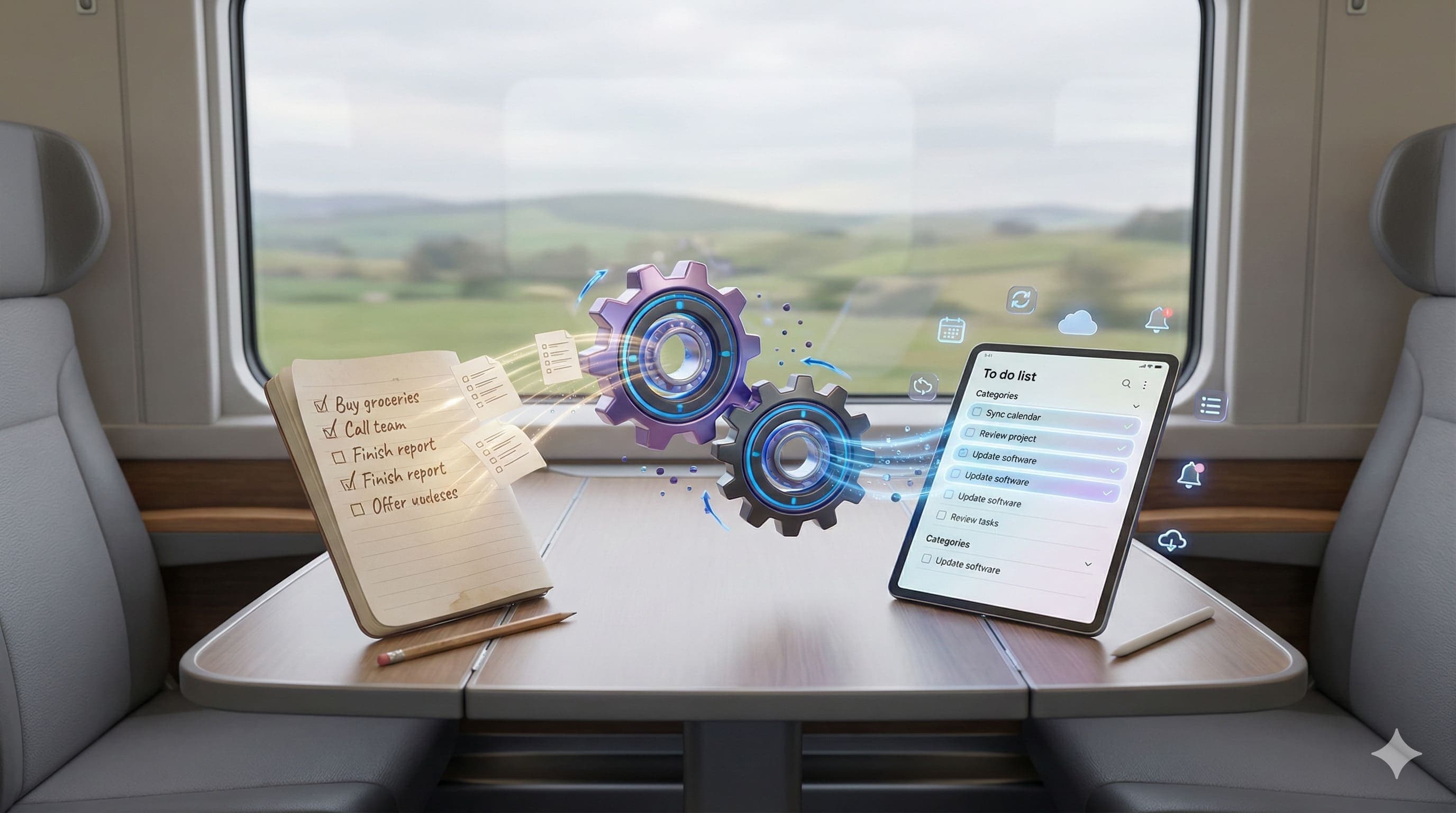
If your work is mostly about quick wins, daily chores, or mental-note-style tasks, CARROT may become a useful companion. If you're considering moving from a written to a digital to-do list, CARROT is worth a look. But for heavier or shared projects, you might want to use it alongside a more traditional task manager.
A useful companion: Eisenhower Matrix.
Quick Questions
What is CARROT To-Do?
CARROT is a task list app for iOS that combines simple to-do functionality with gamification and a snarky personality. It rewards you for completing tasks (points, levels, unlockables) and playfully scolds you when tasks pile up, making mundane task completion more fun and motivating.
Who is CARROT To-Do best for?
CARROT is ideal for people who want a lightweight, fun task list with built-in motivation. It works best for simple day-to-day tasks rather than complex project planning. It's especially good for people who struggle with motivation or find traditional to-do lists boring.
What are CARROT's limitations?
CARROT lacks strong organisational features like subtasks, project hierarchies, or tags. Multi-device support is limited. Some basic features (reminders, task reordering) are locked behind usage levels. The snarky personality isn't for everyone - some find it annoying rather than motivating.
Should I use CARROT as my only task manager?
For simple daily tasks and chores, CARROT can work on its own. But for complex projects, long-term goals, or team collaboration, you'll likely want to use it alongside a more traditional task manager that offers subtasks, projects, and cross-device sync.